
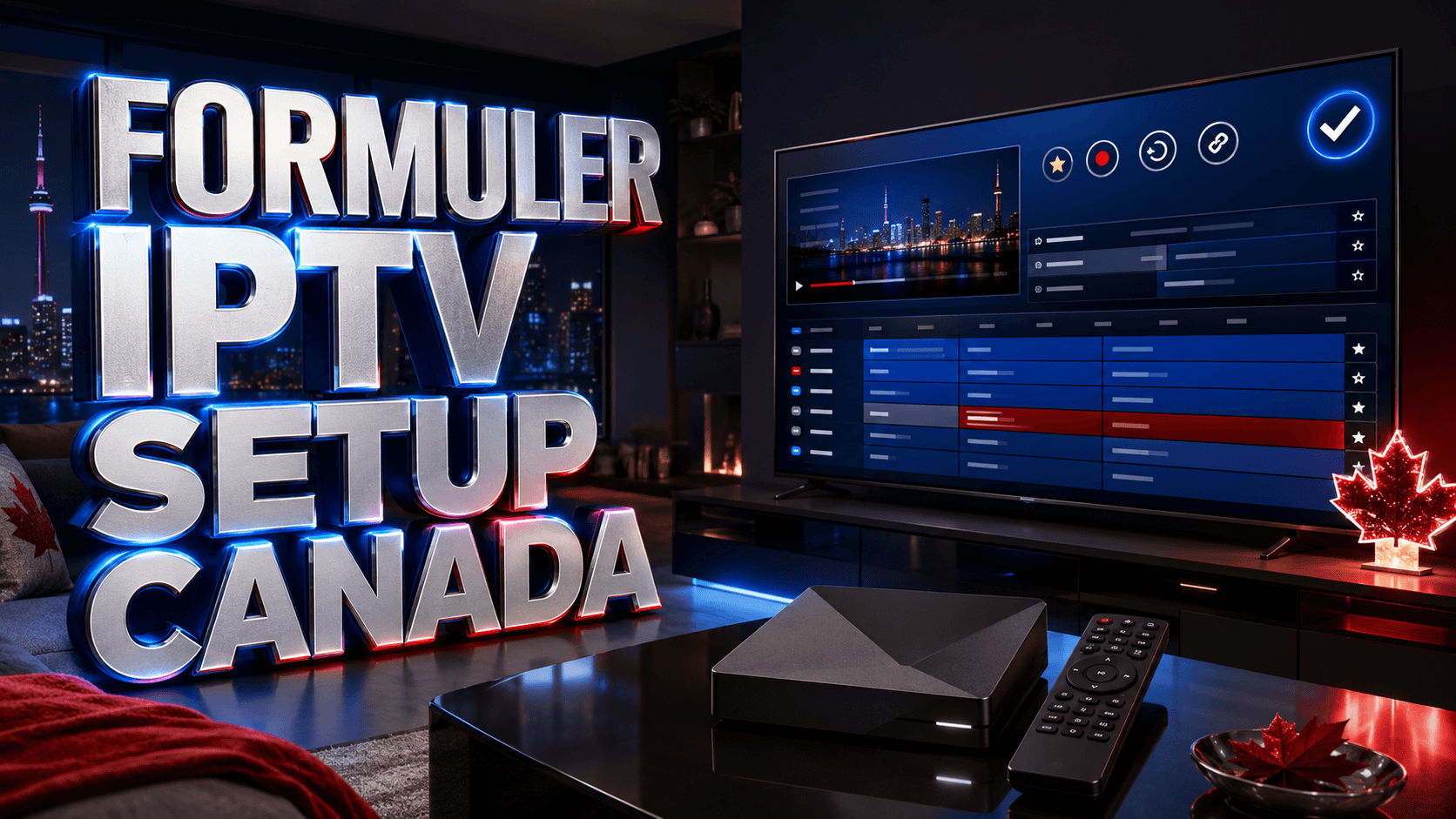
Canadian IPTV enthusiasts seeking premium hardware discover that IPTV Formuler Canada devices deliver the ultimate streaming experience through purpose-built Android boxes optimized specifically for live television. Formuler’s Z-series lineup—particularly the flagship Z11 Pro Max—has captured significant Canadian market share through superior performance, built-in MyTVOnline app, and robust hardware that handles 4K streaming effortlessly while maintaining interface responsiveness that budget Android boxes can’t match.
Formuler and Infomir are separate manufacturers: Formuler produces Z-series devices and the MyTVOnline platform, while Infomir is known for MAG boxes. Compare authorised retailers, warranty, processor, memory, network ports and software support before buying.
Understanding Formuler Z-Series Lineup
Formuler Z11 Pro Max (Flagship Model)
The Z11 Pro Max represents the pinnacle of IPTV hardware available to Canadian consumers. Its quad-core Amlogic S905X4 processor handles 4K HDR content at 60fps without frame drops or stuttering. Equipped with 4GB RAM and 32GB internal storage, it manages large IPTV channel lists (15,000+ channels) and extensive EPG data without the sluggishness plaguing lesser devices.
Dual-band WiFi 6 support ensures robust wireless connectivity, though Gigabit Ethernet port provides superior stability for 4K sports streaming where brief buffering ruins viewing experience. The included Bluetooth remote features backlit buttons and dedicated MyTVOnline quick-launch key—small details enhancing daily usability.
Formuler Z10 Pro Max (Mid-Range Option)
The Z10 Pro Max delivers 90% of flagship performance at CAD $230 versus Z11’s CAD $280. Running Amlogic S905X3 processor with 4GB RAM, it handles 4K streaming admirably though some users report occasional brief stutters during very high bitrate content. For budget-conscious Canadians prioritizing value over cutting-edge specs, the Z10 provides excellent balance.
Formuler Z Alpha and Z8 Pro (Entry Models)
These older models (2GB RAM) remain available at CAD $150-180, suitable for HD streaming or secondary room installations where 4K capability proves unnecessary. However, their aging processors struggle with modern IPTV app demands, making Z10 or Z11 worthwhile upgrades for primary viewing locations.
MyTVOnline: Formuler’s Killer App
Formuler’s competitive advantage stems from MyTVOnline—proprietary IPTV player application pre-installed on all Z-series devices. Unlike third-party apps requiring sideloading or separate purchases, MyTVOnline comes integrated and optimized specifically for Formuler hardware, delivering seamless performance unavailable on generic Android boxes.
The app supports Xtream Codes API, M3U playlists, and custom portal integrations covering virtually every IPTV provider format Canadian users encounter. When you compare Canada IPTV subscription options, Formuler compatibility is virtually guaranteed since providers recognize MyTVOnline’s popularity among their customer base.
MyTVOnline Key Features
- Recording Functionality: Schedule and record live streams to external USB storage or network drives
- Time-Shift Buffer: Pause, rewind, and fast-forward live TV during broadcasts
- Multi-Profile Support: Create separate profiles for family members with individual favorites and settings
- Advanced EPG: Comprehensive program guide with 14-day schedules and search functionality
- Parental Controls: PIN-protected channels and content ratings
- PiP (Picture-in-Picture): Watch two channels simultaneously
- Catch-Up TV: Access previously aired programs (provider dependent)
Complete Formuler Box Setup Process
Initial Hardware Configuration
Unbox your Formuler device and connect HDMI cable to TV, power adapter to outlet, and preferably Ethernet cable to router for optimal stability. Power on device and follow initial setup wizard selecting English or French language, Canadian timezone (Eastern, Central, Mountain, or Pacific), and network connection (WiFi or Ethernet).
The setup wizard prompts Google account login for accessing Play Store—necessary for installing supplementary apps like VPN services but not required for basic MyTVOnline functionality. Complete wizard and device boots to Android home screen featuring MyTVOnline icon prominently.
MyTVOnline Configuration
Launch MyTVOnline application using the dedicated button on Formuler remote. Select “Add Service” to begin IPTV configuration. Choose connection method based on provider credentials:
Xtream Codes API method: Select “Xtream Codes” option, enter profile name (e.g., “My IPTV Canada”), server URL, username, and password provided by your reliable service for Canadian viewers. Click “Add” and MyTVOnline authenticates credentials, downloads channel list, and loads EPG data within 30-60 seconds.
M3U Playlist method: Select “Playlist” option, enter descriptive name, paste M3U URL provided by service, and optionally add separate EPG URL if provider supplies one. MyTVOnline downloads and parses playlist, typically completing within 60-90 seconds depending on channel quantity.
Optimizing Settings for Canadian Content
Access MyTVOnline Settings via remote menu button. Configure these essential options:
- Time Zone: Set to your Canadian timezone ensuring EPG displays correct program times
- Video Decoder: Select “Hardware” for best performance (software decoder only if issues occur)
- Buffer Size: Set to “Large” (20-30 seconds) for stable connections prioritizing uninterrupted streaming
- Auto-Frame Rate: Enable to match TV refresh rate with content frame rate (eliminates judder)
- Recording Path: Configure USB drive or network storage location for recording features
Best IPTV Services Compatible with Formuler Devices
While Formuler boxes support virtually any IPTV provider, certain services optimize specifically for MyTVOnline delivering enhanced functionality. Look for providers offering:
- Xtream Codes API support: Cleanest integration with MyTVOnline features
- Robust EPG data: 7-14 day program guides with accurate Canadian channel information
- Catch-up TV functionality: MyTVOnline fully supports this feature when providers enable it
- Multiple simultaneous connections: Allows household members to use different devices concurrently
- 4K channel availability: Fully utilizes Z11 Pro Max’s 4K capability
Test your internet speeds at Speedtest to ensure your connection meets 4K requirements (50+ Mbps) before subscribing to premium 4K-enabled services.
Advanced MyTVOnline Features and Techniques
Creating Custom Favorites and Channel Groups
With 10,000+ channels available through comprehensive IPTV services, organization proves essential. Navigate to any channel, long-press OK button on Formuler remote, and select “Add to Favorites” or “Move to Group.” Create custom groups for Canadian content:
- Canadian Sports: TSN1-5, Sportsnet variations, RDS, CBC Sports
- Canadian News: CBC News Network, CTV News, Global News, CP24
- Canadian Entertainment: CTV, Global, Citytv, TVA
- French Canadian: RDS, TVA, V, Ici ARTV, RDS Info
Custom groups appear in MyTVOnline’s category menu alongside provider’s default categories, dramatically reducing navigation time when accessing frequently viewed channels.
Recording NHL Games and Sports Events
MyTVOnline’s recording functionality revolutionizes sports viewing. Connect USB 3.0 external drive to Formuler’s USB port—minimum 64GB capacity, though 256GB+ recommended for storing multiple full-length games. Configure recording path in Settings → Recording → Storage Location.
Schedule recordings two ways: manually (navigate to future game in EPG, long-press OK, select “Record”), or series recording (configure recurring recording for specific channel/time weekly). Recordings save as standard video files playable on computers, smartphones, or other devices via USB drive transfer.
Picture-in-Picture for Multi-Game Viewing
During Saturday NHL action with multiple Canadian teams playing simultaneously, PiP mode lets you monitor multiple games. While watching primary game, press Menu button, select “PiP,” choose secondary channel, and adjust PiP window size and position. Switch audio between main and PiP channels as desired.
Troubleshooting Common Formuler Issues
Buffering or Stuttering During 4K Streams
First, verify internet speed meets 4K requirements (50+ Mbps). Switch from WiFi to wired Ethernet if possible—wireless interference causes packet loss affecting streaming. In MyTVOnline Settings, increase buffer size to “Large” and ensure Hardware video decoder is selected. Close background apps consuming resources via Android Settings → Apps → Force Stop on unused applications.
EPG Not Loading or Displaying Incorrect Times
Verify timezone setting matches your location (MyTVOnline Settings → Time Zone). Force EPG refresh via Settings → EPG → Refresh. If problems persist, contact IPTV provider as EPG data originates from their servers—some providers offer alternative EPG sources resolving compatibility issues.
Remote Control Responsiveness Issues
Replace remote batteries if response becomes sluggish. Ensure no obstructions block line-of-sight between remote and Formuler box. Reset remote pairing by holding remote close to box and simultaneously pressing OK + Volume Down for 5 seconds until LED flashes.
Enhancing Formuler with Additional Apps
While MyTVOnline handles IPTV perfectly, Formuler’s Android OS supports supplementary applications enhancing overall functionality. Install these via Google Play Store:
- VPN Apps: NordVPN, ExpressVPN for bypassing ISP throttling
- File Managers: X-plore for managing recordings and transferring files
- Media Players: VLC or MX Player for playing recorded content with advanced features
- Network Tools: Speedtest app for monitoring connection performance
Cost Analysis: Formuler Investment Value
Formuler Z11 Pro Max costs CAD $280—significant upfront expense compared to CAD $80 Fire TV Sticks. However, superior hardware longevity, dedicated IPTV optimization, and premium build quality justify the investment for serious users. Budget Fire TV Sticks may require replacement every 2-3 years due to performance degradation or hardware failures, while Formuler devices typically function flawlessly 5+ years.
The Z11’s advanced features—recording, time-shifting, robust EPG, and flawless 4K performance—provide functionality impossible on budget devices even at higher prices. When amortized over 5-year lifespan, Z11 costs CAD $56 annually versus Fire TV Stick’s CAD $27 annually, but delivers exponentially superior daily experience justifying the CAD $29 annual premium.
Ready to Stream Premium IPTV in Canada?
Access 4K NHL streams, live Canadian channels, international sports, and movies without buffering or ISP throttling.
Explore Best Canada IPTV Subscription Options Now →Related Canada IPTV Guides
Compare dedicated hardware in the MAG box guide, and configure listings with the Canadian EPG guide.
Frequently Asked Questions About Formuler IPTV Canada
Where can I buy authentic Formuler boxes in Canada?
Purchase from authorized Canadian retailers including IPTV hardware stores, electronics shops, or directly from Canadian distributors. Avoid suspiciously cheap listings on marketplaces like AliExpress or unknown sellers—counterfeit Formuler boxes with inferior hardware exist. Authorized sellers provide warranty support and genuine devices with proper MyTVOnline licensing. Expect to pay CAD $200-280 for new Z10/Z11 models from legitimate sources.
Does Formuler Z11 Pro Max work with any IPTV provider?
Yes, MyTVOnline supports virtually all IPTV provider formats—Xtream Codes API, M3U playlists, and portal URLs. When you Canada IPTV service selection guide, verify they provide standard credentials rather than proprietary apps. The vast majority of Canadian IPTV providers work perfectly with Formuler devices since MyTVOnline’s market popularity makes compatibility essential for providers.
Can I use multiple IPTV subscriptions on one Formuler box?
Absolutely. MyTVOnline supports unlimited provider profiles within single installation. Add multiple services via “Add Service” option, then switch between providers using profile selector. This capability lets you compare services during trial periods, maintain separate subscriptions for different content types (Canadian channels on one, international content on another), or have backup providers ensuring uninterrupted access if primary service experiences issues.
How much storage do I need for recording NHL games?
HD recordings consume approximately 2-4 GB per hour, while 4K recordings require 6-10 GB per hour. A complete 2.5-hour NHL game (including intermissions) needs 5-10 GB (HD) or 15-25 GB (4K). For recording multiple games weekly, invest in 256GB or 512GB USB 3.0 external drive providing storage for 25-50 HD games or 10-20 4K games. Larger drives (1TB+) accommodate extensive recording libraries for rewatching classic playoff series or building sports video archives.
Ready for the Best IPTV Subscription?
Join thousands of satisfied customers with the best and fastest family subscription in the USA, UK, Canada & Australia.