
How to Watch NFL Live IPTV: Complete 2026 Guide
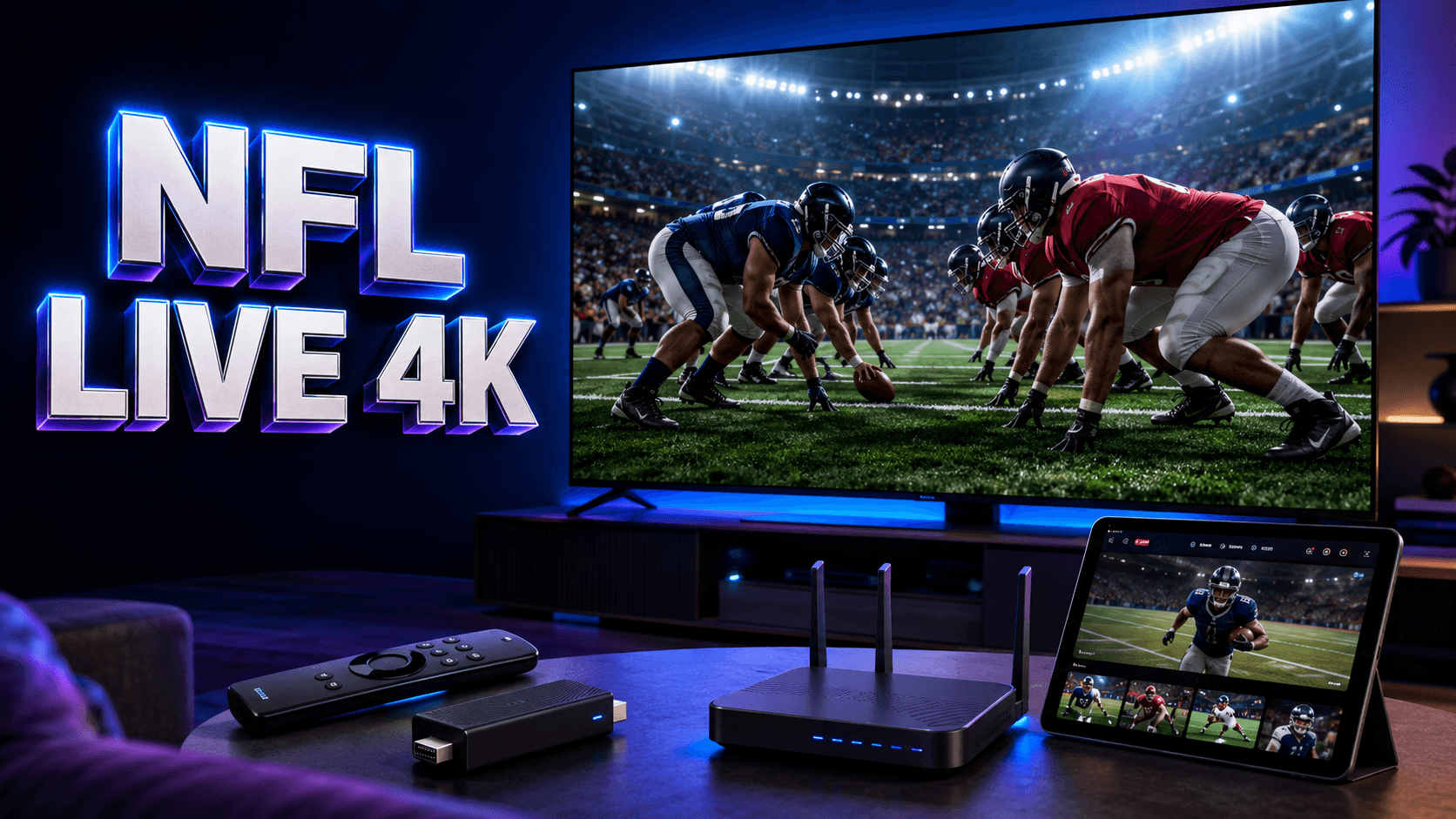
Learning how to watch NFL live IPTV opens up flexible viewing options across your smart TV, streaming stick, tablet, and phone. With Sunday afternoon doubleheaders, Monday Night Football, Thursday matchups, and playoff games spread across multiple networks, IPTV provides a streamlined way to access all your team’s broadcasts without juggling multiple cable boxes or subscriptions.
Understanding NFL Broadcasting Rights for IPTV
To watch NFL live IPTV legally and reliably, you first need to understand which networks hold broadcasting rights for the games you want. National broadcasts typically air on major networks, while regional games follow complex local blackout rules. Your IPTV provider must have proper licensing agreements with these networks to legally stream NFL content to USA audiences.
Start by identifying your team’s schedule and which networks will carry each game in your market. Then verify that your chosen IPTV service includes those specific channels. The best IPTV service USA providers clearly document their sports coverage, blackout policies, and regional availability rather than making vague promises about unlimited NFL access.
Equipment and Connection Requirements
To watch NFL live IPTV successfully, you’ll need compatible streaming hardware and sufficient internet bandwidth. HD football streams demand at least 10 Mbps per device, while 4K broadcasts require 25 Mbps or more. Test your connection speed using Speedtest.net during peak Sunday afternoon hours to ensure your network can handle game-day traffic.
Essential Setup Components
- Streaming Device: Fire TV Stick 4K, Roku, Android TV box, Apple TV, or smart TV with native apps
- Internet Connection: Wired Ethernet preferred, or strong 5 GHz Wi-Fi for portable devices
- IPTV Subscription: Licensed service with confirmed NFL network access and proper distribution rights
- Official App: Provider-approved application from trusted app stores, never sideloaded APK files
Step-by-Step Setup to Watch NFL Live IPTV
- Verify Game Availability: Check your IPTV provider’s channel guide to confirm the specific network carrying your game is included in your subscription package
- Install Official App: Download the provider’s app from your device’s legitimate app store (Amazon Appstore, Google Play, Apple App Store, Roku Channel Store)
- Configure Your Account: Sign in using your subscription credentials and allow the channel guide to fully synchronize
- Optimize Network: Connect via Ethernet cable if possible, or position your device within strong Wi-Fi range on the 5 GHz band
- Test Before Kickoff: Open the app 15-20 minutes before game time to resolve any login issues, updates, or authentication requirements
- Locate Your Game: Use the electronic program guide to find the network broadcasting your match, or search by team name if the app supports it
Maximizing Game-Day Streaming Quality
To watch NFL live IPTV without buffering, pause large downloads, cloud backups, and automatic updates across all household devices during games. Close unused apps on your streaming device to free system resources.
Consider upgrading to a reliable USA IPTV provider with robust infrastructure if you consistently encounter issues during popular games.
Never Miss Another NFL Game
Compare IPTV providers with confirmed NFL coverage, HD/4K streaming, and multi-device support for the ultimate football viewing experience.
Troubleshooting Common NFL Streaming Issues
If you encounter problems when trying to watch NFL live IPTV, first determine whether the issue is local (your network/device) or provider-side (server capacity/outage). Test another streaming service or app on the same device. If those work normally but your IPTV stream fails, contact your provider’s verified support channel with specific details about the time, channel, and error message.
FAQ
Can I watch every NFL game with one IPTV subscription?
No single IPTV provider offers every NFL game due to complex broadcasting rights, regional blackouts, and exclusive packages. Verify which specific games your subscription includes by checking the channel lineup against your team’s schedule and local market restrictions.
Do I need a VPN to watch NFL live IPTV?
No, a VPN is not required for standard NFL viewing through a licensed IPTV provider. In fact, VPNs can increase latency and reduce streaming quality. Only use a VPN if you understand the service’s geographic restrictions and comply with all terms of service.
What internet speed is best for watching NFL in 4K?
For optimal 4K NFL streaming, maintain at least 25-30 Mbps dedicated bandwidth per stream. If multiple household members watch simultaneously or you have other internet activity, add 15-20 Mbps capacity per additional HD stream to prevent buffering.
Why does my NFL stream buffer during important plays?
Buffering typically results from insufficient bandwidth, Wi-Fi congestion, provider server overload during peak demand, or device performance issues. Switch to Ethernet, reduce household network traffic, restart your streaming device, and verify your IPTV provider has adequate infrastructure capacity for Sunday afternoon traffic spikes.
Ready for the Best IPTV Subscription?
Join thousands of satisfied customers with the best and fastest family subscription in the USA, UK, Canada & Australia.